


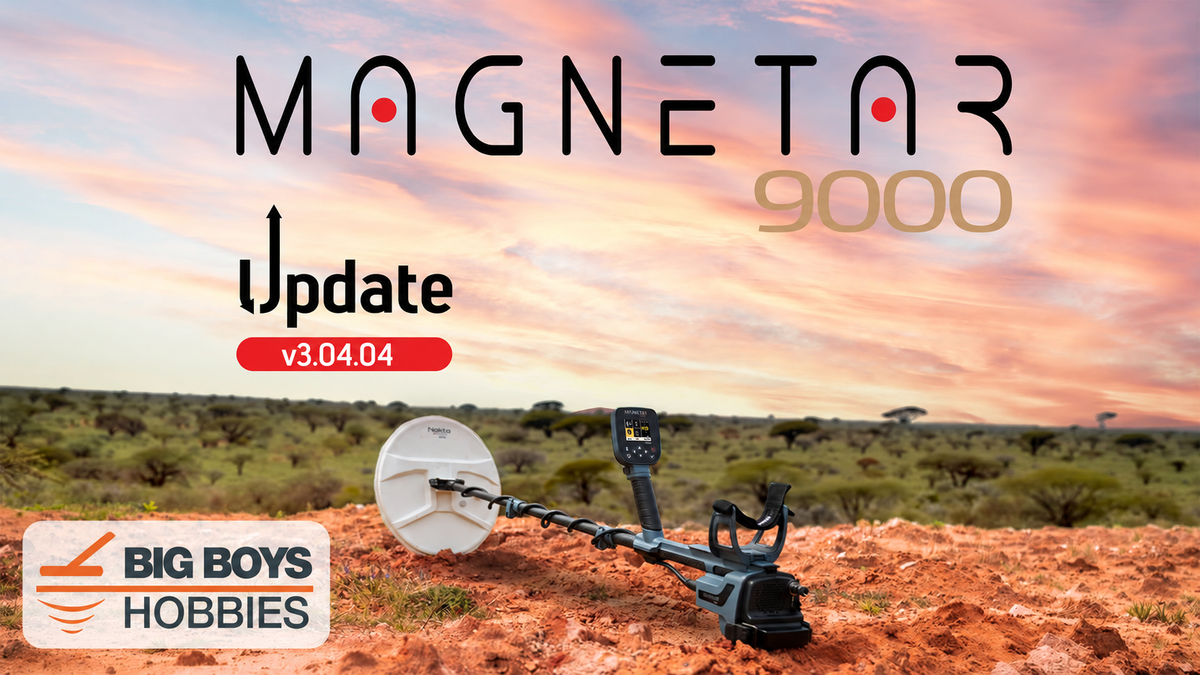
Nokta has released software update v3.04.04 for the Magnetar 9000 gold detector. This update focuses on enhanced ground balancing, improved stability, and smoother performance in challenging or highly mineralized soil.
For prospectors who regularly encounter changing ground conditions, hot rocks or heavy mineralization, this is an important update worth installing.
If you are still researching the detector, you can see the complete features, included equipment, and current availability of the Nokta Magnetar 9000 Pulse Induction metal detector at Big Boys Hobbies.
What’s New in Magnetar 9000 Update v3.04.04?
According to Nokta, Magnetar 9000 software version 3.04.04 includes the following improvements:
- Enhanced ground balancing
- More precise ground compensation
- Smoother and more stable operation
- Improved performance in challenging and highly mineralized soil
- Minor bug fixes
The Magnetar 9000 is designed for serious gold prospecting in difficult ground. Improving the detector’s ability to compensate for mineralization should help it operate more smoothly while reducing unwanted responses caused by the ground.
Why Improved Ground Balancing Matters
Ground balancing allows a metal detector to recognize and compensate for naturally occurring minerals in the soil.
Highly mineralized ground can produce false signals, unstable audio, and inconsistent target responses. These conditions can make it harder to distinguish a genuine gold target from interference caused by the soil itself.
The ground-balancing and stability improvements in v3.04.04 are designed to provide Magnetar 9000 users with:
- Smoother operation over changing ground
- Better stability in mineralized goldfields
- More precise ground compensation
- Fewer unnecessary responses caused by soil conditions
- Greater confidence when evaluating weak or questionable signals
Actual field performance will still depend on ground conditions, detector settings, the selected search coil, and operator technique. However, keeping the Magnetar 9000 updated ensures that you have Nokta’s latest performance improvements and bug fixes.
How to Install the Nokta Magnetar 9000 Update
Before beginning, make sure the Magnetar 9000 battery is at least 50% charged and that the search coil is connected to the detector.
- Connect one end of the USB cable to the Magnetar 9000 and the other end to your computer.
- A lock icon should appear on the detector’s screen.
- The Magnetar 9000 should appear on your computer as a removable USB drive named MAGNETAR.
- Visit the official Nokta Magnetar 9000 software-update page and download the update file.
- Open the downloaded ZIP folder and extract the .hex file.
- Copy only the extracted .hex file to the MAGNETAR drive. Do not rename the file or copy the complete ZIP folder to the detector.
- After the file has finished copying, disconnect the USB cable from the computer.
- The software update should begin automatically.
- Wait for the update to finish. The Magnetar 9000 will shut down automatically when the installation is complete.
Important:
Do not remove the battery or interrupt power while the update is being installed. Allow the Magnetar 9000 to finish the update and shut down on its own.
Important Update Reminders
Before installing Magnetar 9000 software version v3.04.04:
- Charge the detector’s battery to at least 50%.
- Keep the search coil connected to the detector.
- Extract the .hex file from the downloaded ZIP folder.
- Copy the .hex file—not the ZIP file—to the MAGNETAR drive.
- Do not change the update file’s name.
- Do not remove the battery while the update is running.
- Allow the detector to shut down automatically when the installation is finished.
If an incompatible file is copied to the detector, disconnecting the USB cable should allow the Magnetar 9000 to continue operating with its existing software.
Should You Install Magnetar 9000 v3.04.04?
Yes. Magnetar 9000 owners—especially those detecting in mineralized or rapidly changing ground—should install software version v3.04.04.
This update does not appear to add a long list of new settings or operating modes. Instead, it concentrates on two of the most important areas for a serious gold detector: ground compensation and stability.
Smoother operation and better control of mineralized soil can make it easier to concentrate on genuine target responses during long gold-prospecting sessions.
Download the Magnetar 9000 Software Update
Magnetar 9000 software update v3.04.04 can be downloaded through Nokta’s official software-update page:
Download the Official Magnetar 9000 Update
Please note: Nokta’s software-update page may take time to display the newest version. Before transferring the file to your detector, confirm that the downloaded file is identified as Magnetar 9000 software version v3.04.04.
Looking for the Nokta Magnetar 9000?
The Nokta Magnetar 9000 Pulse Induction metal detector is available from Big Boys Hobbies.
Visit our Magnetar 9000 product page for current availability, pricing, specifications, included accessories and complete purchasing information.
Big Boys Hobbies is an authorized Nokta dealer. We provide personal assistance before and after the sale, along with free lifetime product support.
Questions about the Magnetar 9000?
Call or text Bart at 405-206-9010 or email bart@bigboyshobbies.net.
Written by Bart Davis of Big Boys Hobbies. Big Boys Hobbies is an authorized Nokta metal detector dealer helping detectorists and gold prospectors across the United States.