


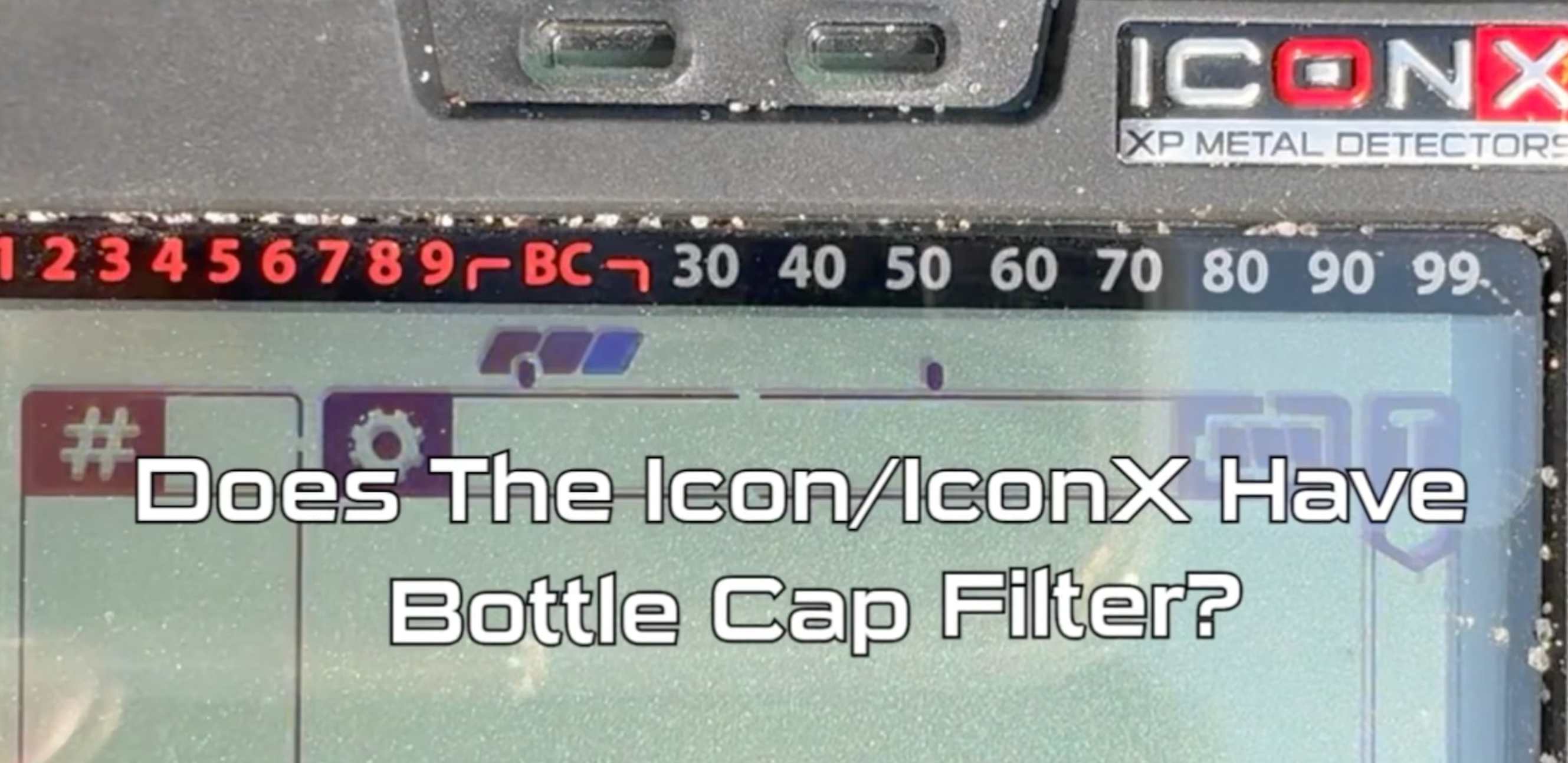
Does the XP ICON or XP ICON-X have a bottle cap filter? Yes—and after testing the feature myself, I found it can be very useful once you understand how XP designed it to work.
One thing that can be confusing is that you will not find a separate menu simply labeled “Bottle Cap Filter.” Instead, the XP ICON and ICON-X use the Notch system together with the conductivity display to help identify and reject troublesome ferrous bottle caps.
In this guide I'll show you exactly where to find the setting, what I see on the conductivity bar when testing a steel bottle cap, and the Notch settings I recommend starting with.
Written and tested by Bart Davis — Owner of Big Boys Hobbies
Authorized XP Metal Detectors Dealer
I tested this XP ICON and ICON-X bottle cap setup myself so I could show exactly what happens on the conductivity bar and how I recommend using the Notch settings in real hunting conditions. The photos and video below demonstrate what to look for when dealing with troublesome steel bottle caps.
If you're researching either detector, you can also see all of our XP ICON and XP ICON-X metal detector packages here.

Does the XP ICON Have a Bottle Cap Filter?
Yes. Both the XP ICON and ICON-X can help identify and reject ferrous bottle caps.
The important thing to understand is that XP does not give you a traditional menu item called “Bottle Cap Filter.” Instead, accessing the Notch settings activates the ferrous bottle cap filtering function.
The ICON also gives you another valuable clue by showing the target response across its conductivity bar.
How Does the XP ICON Identify a Ferrous Bottle Cap?
Ferrous bottle caps can fool a metal detector because their shape and composition can sometimes make them sound much better than ordinary iron.
During my testing, a ferrous bottle cap can produce two separate responses on the conductivity bar:
- A lower conductivity response at approximately 10
- A second response higher on the conductivity scale around 60–70
Seeing those two areas respond at the same time can be a strong indication that the target under your coil is a ferrous bottle cap rather than a good non-ferrous target.

How to Turn On the XP ICON and ICON-X Bottle Cap Filter
Here is how I access and use the bottle cap filtering feature on the XP ICON or ICON-X:
- Use an FMF multi-frequency program. The bottle cap filtering feature is designed to operate in multi-frequency mode.
- Press the Settings button and navigate to the DISC / Discrimination setting.
- From the discrimination setting, access the detector's Notch adjustment.
- Once you enter the Notch function, the ICON's ferrous bottle cap filtering feature becomes active.
- Sweep over the suspected bottle cap several times and watch the conductivity bar at the top of the display.
- Look for the characteristic response around 10 together with another response around 60–70.
- Adjust your Notch setting to reject the lower bottle cap conductivity area if desired.
What Notch Setting Should You Use for Bottle Caps?
XP provides several possibilities depending on how much rejection you want:
- 10
- 10–15
- 10–20
From my testing, I recommend starting conservatively and using only as much Notch as necessary for the site you are hunting.
If you're in a clean location with only an occasional bottle cap, you probably don't need to reject a large section of the conductivity range.
If you're hunting an old park, picnic area, sports field, fairground or another site covered with rusty bottle caps, widening the rejection range can make hunting much more enjoyable.
Important tip: Don't simply notch out the entire 60–70 range. Good targets can fall in that area. The higher response is useful because, together with the low response around 10, it helps identify the signature of a ferrous bottle cap.

Watch the XP ICON Bottle Cap Filter in Action
The easiest way to understand this feature is to actually watch the detector respond to a bottle cap.
In the video below, I demonstrate how the XP ICON and ICON-X identify ferrous bottle caps, what happens on the conductivity bar, and how to set up the detector to help reject them.
Watch my XP ICON / ICON-X Bottle Cap Filter video on YouTube
Why Does a Bottle Cap Show Two Conductivity Segments?
This is where the XP ICON's display gives you more information than simply looking at a single Target ID number.
A rusty steel bottle cap can produce a mixed response because the detector is seeing both its ferrous characteristics and a higher-conductive response created by the shape and properties of the cap.
The result can be activity in two very different areas of the conductivity bar—approximately 10 and 60–70.
If you're used to hunting strictly by the big Target ID number in the center of the display, this is a good reason to start watching the entire conductivity bar on the ICON.
The additional information can help you make a much better decision about whether you're looking at a good target or another rusty bottle cap.
Should You Use 10, 10–15 or 10–20?
There isn't one perfect setting for every hunting site.
If you only encounter an occasional bottle cap, I recommend starting with a narrow rejection range. This keeps more of the conductivity spectrum open and reduces the possibility of rejecting a desirable target.
When hunting a trashy park or picnic area loaded with crown caps and rusty bottle caps, expanding the rejected area toward 10–15 or 10–20 may make the machine much more pleasant to hunt with.
The rule I like to follow with discrimination and Notch is simple: use enough to solve the problem, but don't use more than you need.
Does the XP ICON Bottle Cap Filter Work in Single Frequency?
The bottle cap filtering feature is intended for FMF multi-frequency operation.
This is important because the XP ICON and XP ICON-X give you XP's FMF® Fast Multi Frequency technology as well as considerable control over how the detector operates.
If you have manually switched into a single-frequency configuration, keep that in mind if the bottle cap feature doesn't appear to behave the same way.
Is the XP ICON Good for Hunting Trashy Parks?
Yes. This is one of the areas where I think the ICON's target information can really help.
Parks, fairgrounds, sports fields, picnic areas and other heavily used public locations can contain enormous amounts of modern trash—especially aluminum, pull tabs and steel bottle caps.
The ICON combines several tools to help sort through those targets, including:
- XP FMF® Fast Multi Frequency technology
- Detailed Target ID information
- The conductivity bar
- Adjustable discrimination
- A 28-segment Multi-Notch system
- Ferrous bottle cap identification and filtering
Learning how these features work together is much better than simply cranking up discrimination and hoping the detector eliminates all the trash for you.
Don't Ignore the XP ICON Conductivity Bar
This bottle cap trick also demonstrates why the conductivity bar is such an important part of the ICON display.
Two targets can occasionally give you similar numerical IDs but provide very different information across the rest of the display.
As you gain experience with the XP ICON or ICON-X, pay attention to:
- The numerical Target ID
- The audio response
- The conductivity bar
- How stable the target is from different sweep directions
Using all of that information together can help you dig fewer junk targets without accidentally passing over the good stuff.
XP ICON and ICON-X Bottle Cap Filter FAQ
Does the XP ICON have a bottle cap filter?
Yes. The XP ICON has a ferrous bottle cap filtering feature that works through the detector's Notch system.
Does the XP ICON-X have a bottle cap filter?
Yes. The ICON-X also uses this bottle cap identification and filtering method.
Where is the bottle cap filter on the XP ICON?
You won't find a separate menu option labeled “Bottle Cap Filter.” Accessing the Notch settings activates the ferrous bottle cap filtering function.
What Target ID is a bottle cap on the XP ICON?
There isn't one Target ID that every bottle cap will produce. One important clue I look for is seeing two segments on the conductivity bar—approximately 10 and 60–70.
What should I Notch to reject bottle caps on the XP ICON?
Depending on your hunting conditions, the lower bottle-cap response can be rejected around 10, 10–15 or 10–20. I recommend starting with the smallest amount of Notch necessary and increasing it only if the site requires it.
Should I Notch out 60–70?
I would not automatically reject the entire 60–70 range just because a bottle cap can produce a response there. Desirable targets can also fall within that range. Use the combination of the low response, higher response, audio and overall target behavior to help identify the bottle cap.
Does the bottle cap filter work in single-frequency mode?
The ferrous bottle cap filtering feature is designed for multi-frequency operation.
Thinking About Buying an XP ICON or ICON-X?
If you're looking at the new ICON series, check out our complete selection of XP ICON and XP ICON-X metal detectors and packages at Big Boys Hobbies.
We offer multiple configurations so you can choose the detector and headphone setup that fits the way you hunt instead of paying for accessories you don't need.
Before you order an XP ICON or ICON-X, contact us first.
Call, text or chat with Big Boys Hobbies and ask about any special ICON or ICON-X pricing, package options or discounts that we may not be advertising online. We also offer FREE shipping and no sales tax outside Oklahoma.
And if you already own an ICON and have questions about bottle cap rejection, Notch settings or getting your machine dialed in for your particular hunting conditions, feel free to contact us. I'm always happy to help.
Shop XP ICON and XP ICON-X Metal Detectors at Big Boys Hobbies →